Manage your municipality’s images, video, and usage rights in one place
Do you spend too much time searching for images, sending files back and forth, or checking whether an image can be used? Skyfish centralizes your visual assets so employees can quickly find, use, and share approved material—without delays or uncertainty.
In many municipalities, images, consents, and usage rights are stored in different places. As a result, it becomes difficult to find the right material, verify how it can be used, and avoid errors.
Time spent searching for images across systems
Duplicate or outdated files create uncertainty
Lack of clarity regarding usage rights
Incorrect or outdated images used unintentionally
Communication teams handling repeated internal requests
Limited overview for audits and compliance processes
This leads to unnecessary administrative work and reduces time available for core tasks and citizen-facing services.
The solution
One platform for faster, compliant workflows
Skyfish brings your visual assets, consent, and documentation together in one place—so employees can work faster and with more confidence.
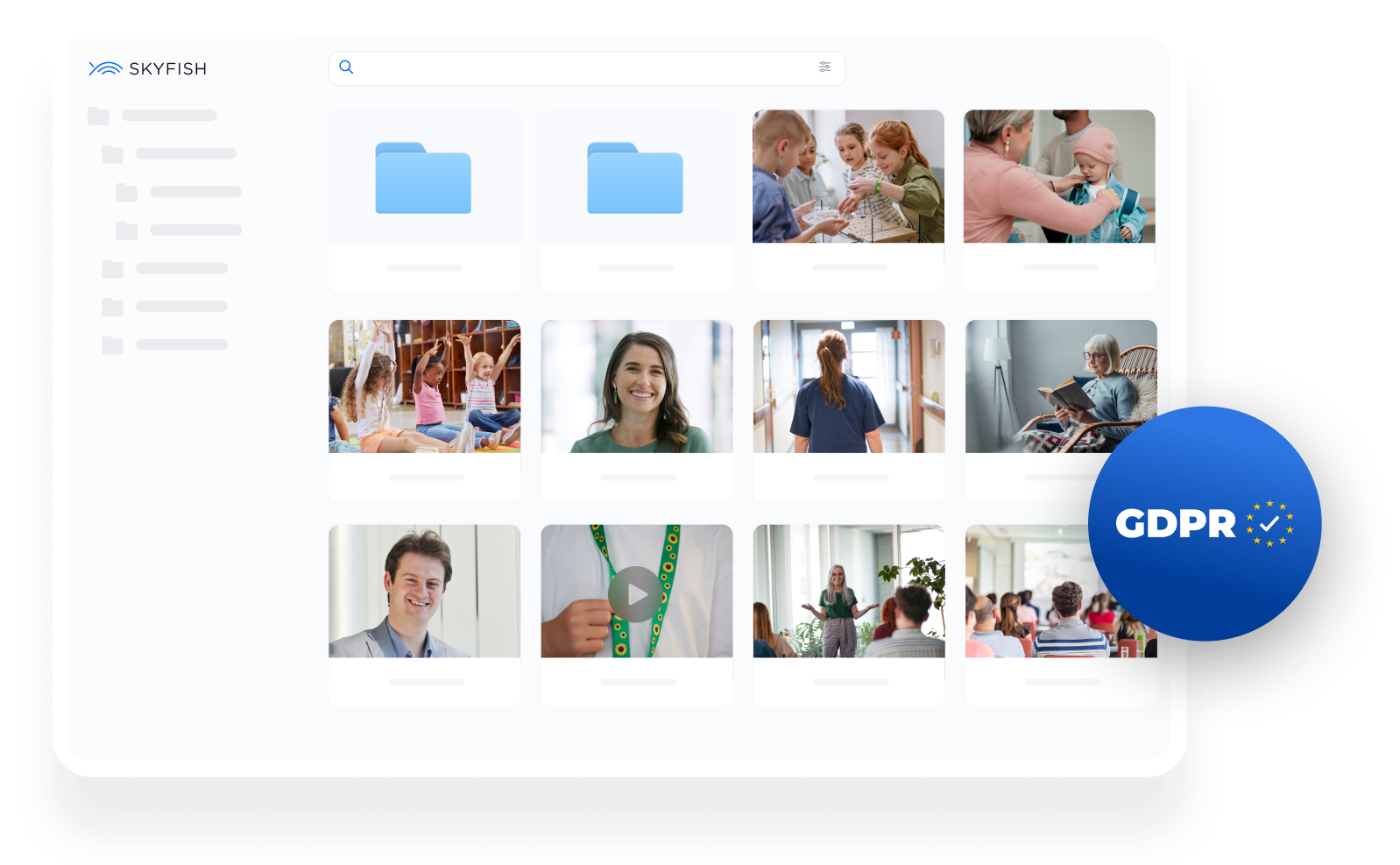
Search and find the right material across the full archive
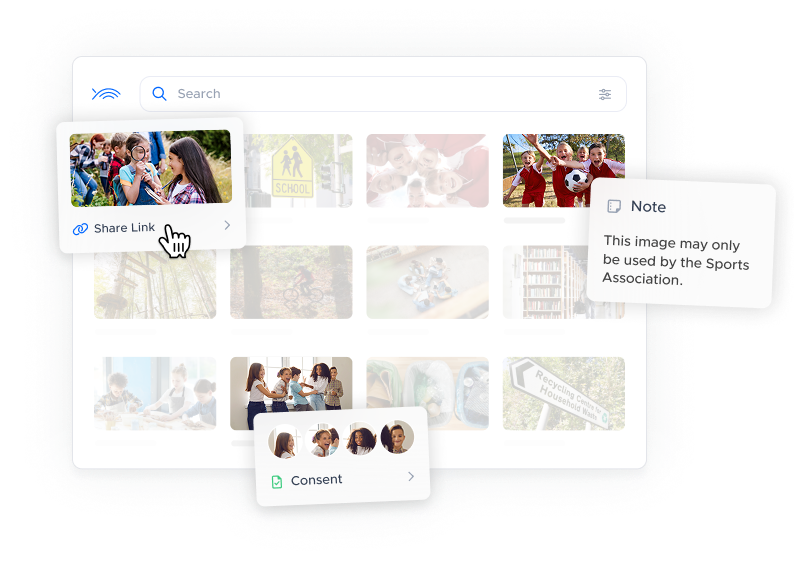
Verify usage rights before downloading content
Collect and link consent directly to images
Enable controlled self-service access for employees
Share and receive files with external partners in a structured way
Reduce manual processes and internal coordination
This enables teams to reduce administrative workload and collaborate more effectively across departments and with external partners, while maintaining control and compliance.
3x
Faster to find the right image
70+
Municipalities use Skyfish
100%
GDPR-compliant media management
The result
Improved efficiency, fewer interruptions, and stronger compliance
Daily work becomes more efficient when employees can quickly access the material they need—without relying on support or searching across multiple systems.
Interruptions and internal requests are reduced, while time spent sharing files and clarifying usage rights decreases.
Collaboration improves across departments, schools, institutions, and external partners.
Workflows become faster, with increased self-service and more time available for citizen-facing tasks.
Built for a municipal workday
Fast access to images
Quickly find the right image across your entire media library using tags, metadata and filters.
Easier collaboration
Share images and videos via links or folder access, so employees can easily find what they need.
Control access to files
Grant access to specific employees or departments, and define whether they can view, download or upload.
Consents and usage rights
Link consent and usage rules directly to images, so employees know how they can be used before downloading.
Traceability and documentation
Track who uploads, downloads and shares files, and require users to specify the purpose before downloading.
Receive images directly in the system
Allow photographers and partners to upload images and videos directly to your Skyfish library via a link.
Share images with citizens and the press
Provide access to approved images through a public media gallery that updates directly from your archive.
Crop and adjust before download
Adjust images or logos before downloading to get the right format and framing without changing the original file.
Integrates with your tools
Use Skyfish with PowerPoint, Word, intranet and CMS, so images are always close to the systems you use daily.
Get a no-obligation introduction to how Skyfish can support efficient workflows and improve compliance in your municipality.
Choose a time that fits your schedule.
FAQ - Ofte stillede spørgsmål
Er det nemt at komme i gang?
Det er nemt at komme i gang, og du behøver ingen tekniske færdigheder eller hjælp. Du starter blot med at oprette mapper, uploade filer og dele dem med interne eller eksterne brugere.
Hvordan uploader vi vores nuværende filer til Skyfish?
Du kan nemt uploade enkelte filer eller hele mapper med Skyfishs intuitive drag & drop-funktion. Skyfish understøtter også FTP-uploads, hvilket er nyttigt for større mængder, samtidig med at jeres mappestruktur bevares. Metadata følger med filerne, og de mest almindelige metadataoplysninger vises i Skyfish.
Kan vi uploade og søge med det samme?
Ja, det er muligt at springe manuel tagging over og lade Skyfish gøre arbejdet. Med automatisk tagging tilføjes de grundlæggende tags til et billede, så det straks kan findes. Vi anbefaler, at du efterfølgende tilføjer dine egne, mere specifikke tags til dine filer.
Får vi onboarding og hjælp til opsætning, når vi vælger Skyfish?
Når du starter med Skyfish, får du og dit team en gratis onboarding. Her vil vi gennemgå din arbejdsgang og foreslå den bedste måde at konfigurere Skyfish på for dig. Vi vil også sikre, at du kender alle funktionerne. Målet er, at du og dine kolleger hurtigt kommer godt i gang.
Hvem skal vi kontakte, når vi har brug for hjælp?
Hvis I får brug for hjælp, kan I kontakte vores produktspecialister på dansk, engelsk eller tysk. Enterprise-kunder vil blive sat i forbindelse med en dedikeret repræsentant. Hvis supportteamet ikke kan svare på et spørgsmål med det samme, sørger de for, at det bliver sendt videre til den rette afdeling, f.eks. i teknisk support.